
May 2026 Product Update
June 10, 2026
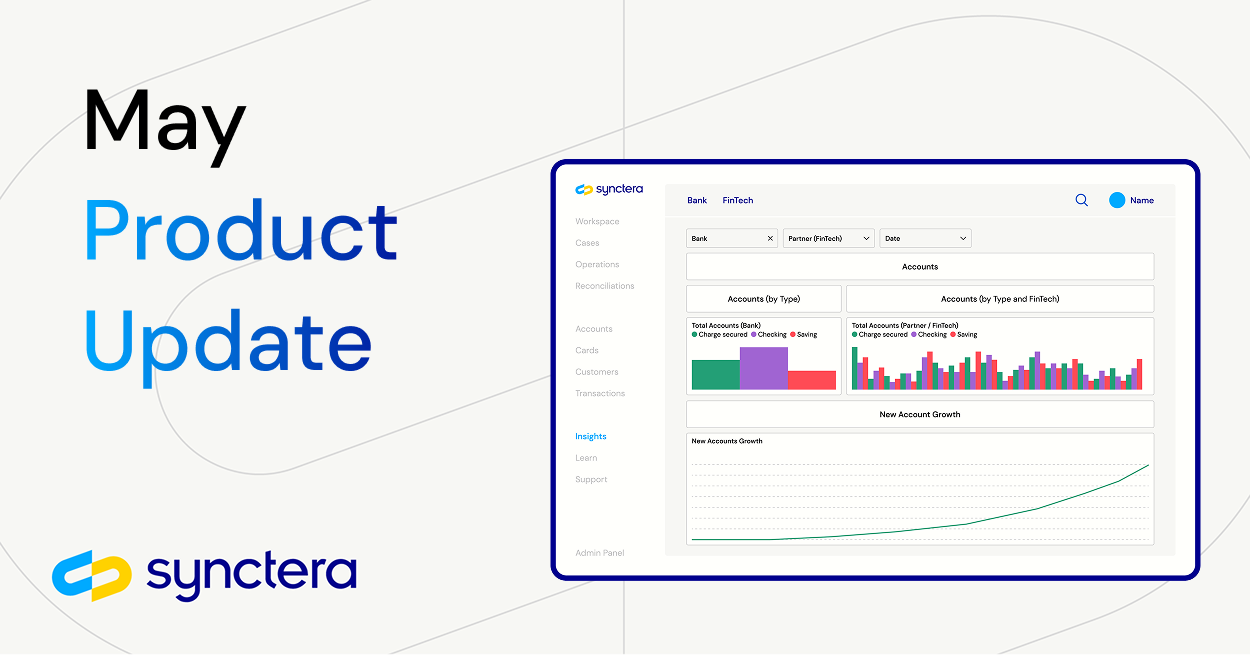


In May, Synctera launched new products and features that streamline customer support requests and make it easier for sponsor banks to access the data needed during regulatory audits.
These updates include:
- Improving bank audit preparation with the Regulatory Audit Data Hub
- Providing increased visibility into statement details in the Synctera Console
- Improved default internal transfer descriptions for display to end customers
- Bringing saved views and layout configurability to cases
Let’s dive in!
Improving bank audit preparation with the Regulatory Audit Data Hub
A regulatory exam is the bank regulators’ opportunity to dig into a bank’s operations to ensure they have the oversight and operational resilience needed to protect end consumers and stop bad actors from abusing the system. As part of these exams, regulators dig into specific questions related to customers, accounts, and transactions, requiring banks to quickly pull together the data needed to answer these questions.
As Synctera’s sponsor bank partners have been through a number of regulatory audits, our team has seen themes in the type of questions they ask and the data that banks need to prepare. To provide a starting point for banks as they prepare for their regulatory audits, we’ve launched a new dashboard within Synctera Insights: Regulatory Audit Data Hub.
This dashboard contains data related to:
- Summary and detailed views of posted transactions
- Customer data, including customer risk rating and watchlist hits
- Status and type of cases actioned by the bank or FinTech
- Account balances
Enhancing transaction descriptions for internal transfers
Many internal transfer transaction sub-types now have a default description field in the transaction (and Statement transactions) which returns a more user friendly description that can be added to end-user facing statements or in transaction views presented to the end-user. These enhancements are the building blocks upon which we will continue to improve and iterate to ensure our customers have access to improved, customer-ready descriptions of transfers conducted by their end-users.
These updates include:
- Peer to peer (P2P) transfers now contain the name of the account owner the P2P was sent to, providing better visibility for customers looking to differentiate between multiple P2P payments. For example, FinTechs can include descriptions such as, "Payment Transfer to John Smith" in their transaction descriptions
- Auto-payments on credit accounts now contain "Auto Payment" in the description. This enables our customers to easily surface when a transaction is an auto-payment instead of relying on the subtype force_payment
- Account to account transactions now contain the description: “Transfer to Another Account"
Bringing saved views and layout configurability to cases
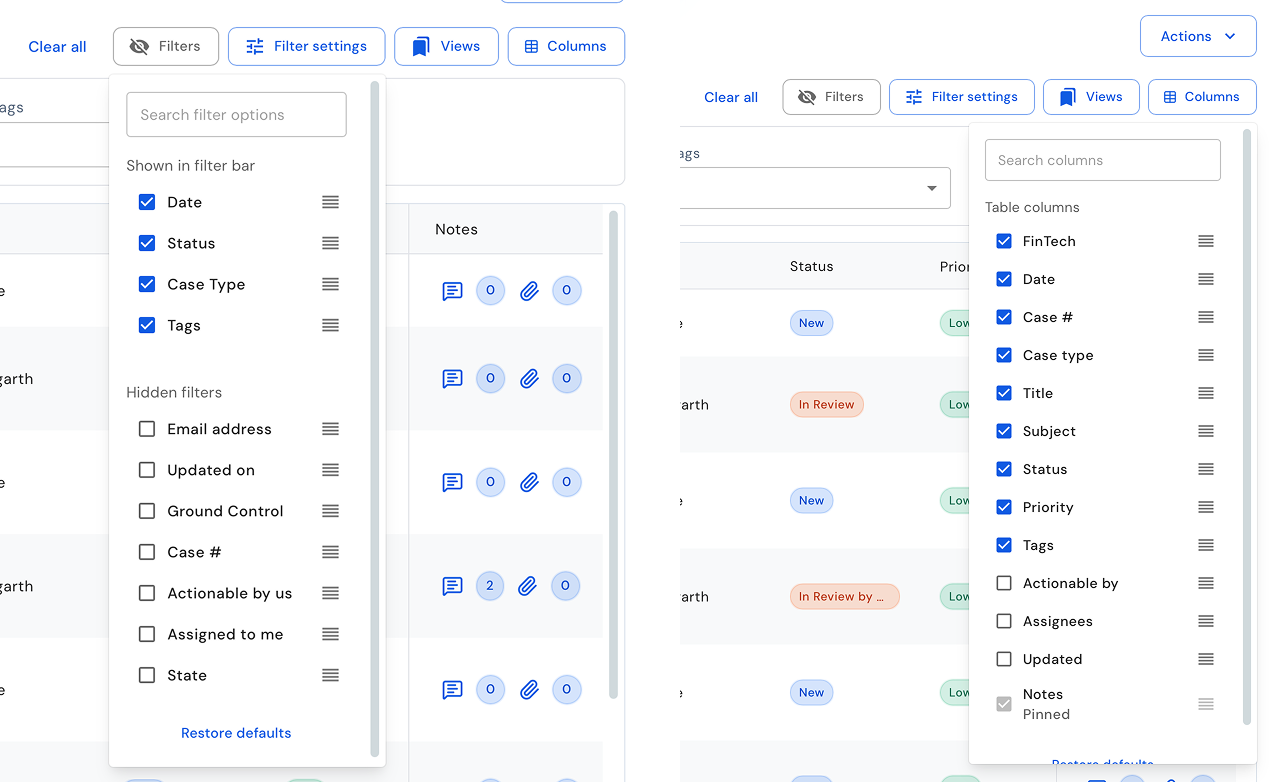
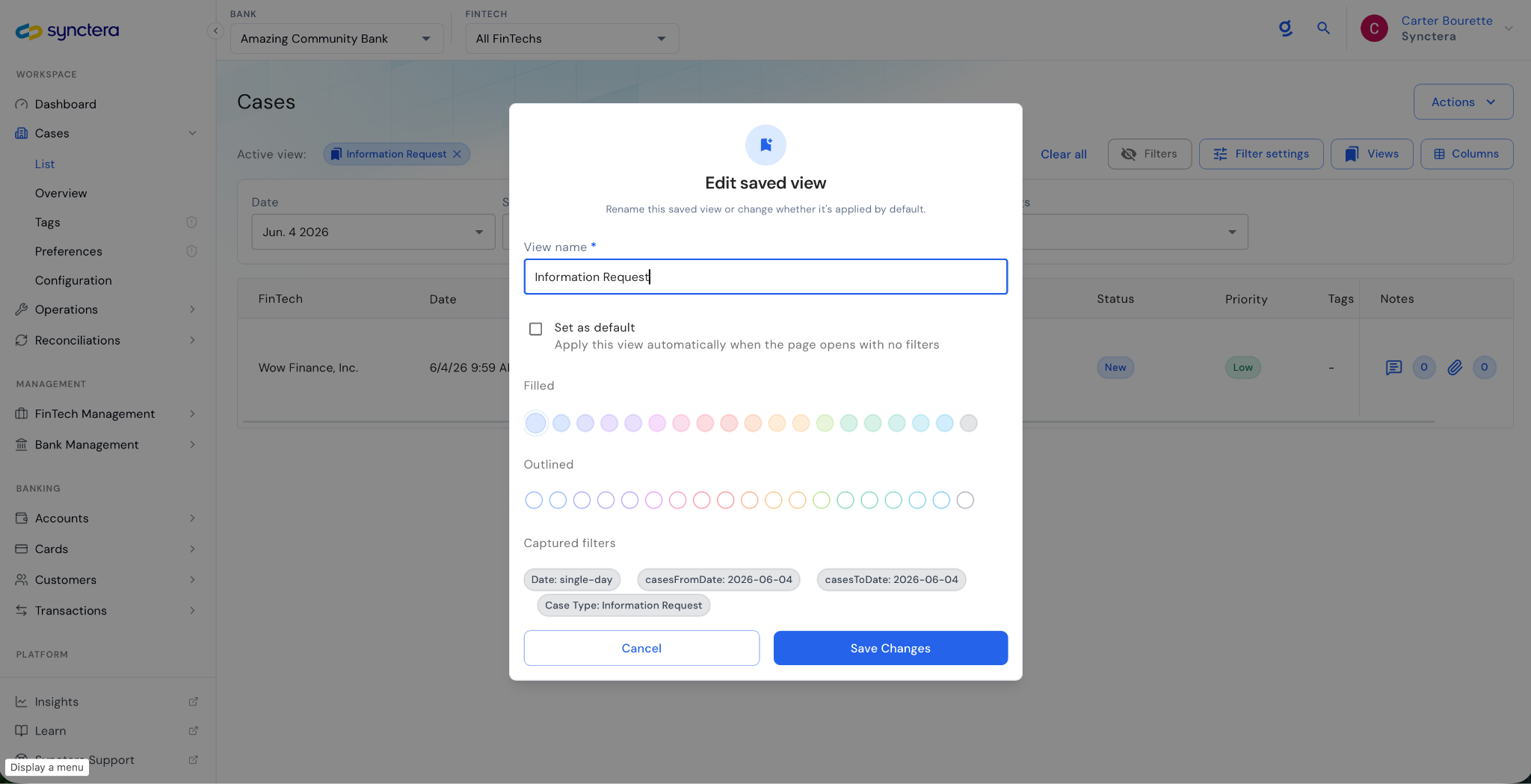
Synctera Cases now gives operators direct control over how their workspace looks and works. Case operators can now configure which columns appear in their case list and which filters are surfaced by default, tailoring the view to match their workflow. A KYC analyst doesn't need to wade through fraud cases, and a fraud investigator shouldn't have to apply specific filters every time they open the queue.
Alongside column and filter configurability, we have introduced saved views, a way for operators to define, name, and store a filtered case list configuration and set it as their default. When a KYC case operator logs in and opens the case list, their saved view loads automatically, pre-filtered to the case types, statuses, and signals that matter to them.
Together, these changes make case operations faster to navigate and easier to tailor to the specialized workflows that compliance teams actually run.
Providing increased visibility into statement details in the Synctera Console
Every month each end-user of Synctera’s FinTech customers receives their statement containing the details of their bank account or credit account. This statement is automatically delivered to the end-user via the Synctera Platform. Occasionally the end-user may reach out with questions that will need to be answered by the FinTech’s customer support team.
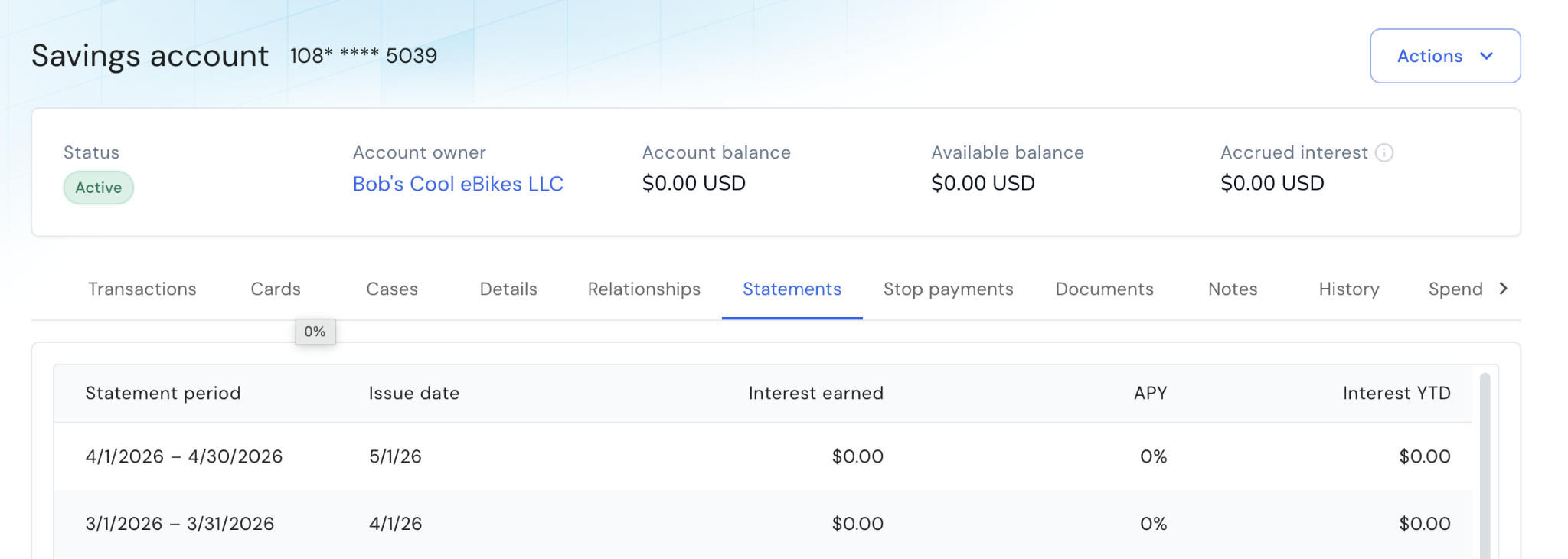
To provide these customer support teams with a quick and easy way to access and view the information needed to manage these support requests we’ve recently added new statement data fields to the Synctera Console. Support personnel can:
- Navigate to the specific customer account
- Click on the Statements tab to view all previous statements
- See key details around the interest earned, APY, and other data per each statement
By accessing this information directly from the Synctera Console without needing to find the statement document itself or navigate to external systems, Synctera is making it easy for our customers to deliver great customer support.
Product
Great banking products get built and scaled on Synctera’s end-to-end platform

.svg)