
July 2026 Product Update
August 11, 2026
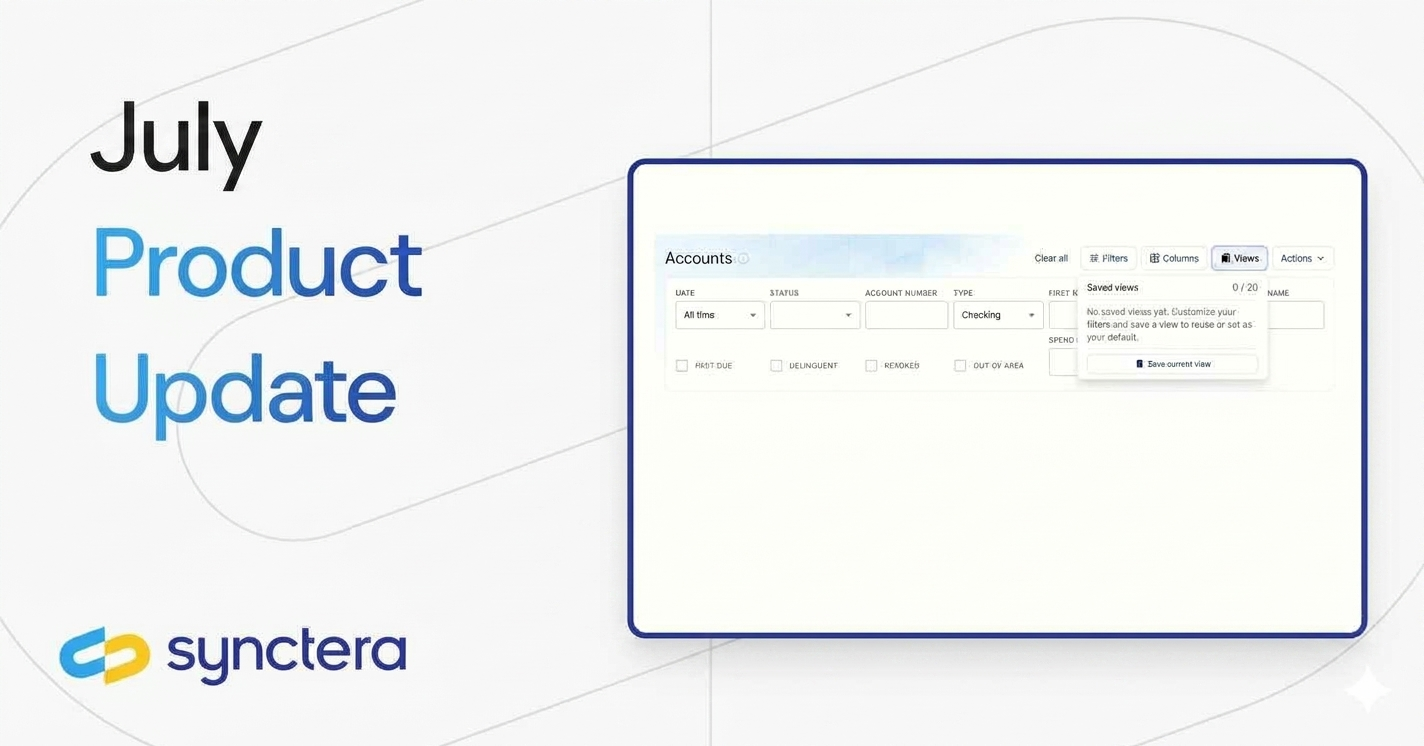


In July, Synctera launched new features that make KYC more actionable, account data easier to analyze, navigation more personalized, and day-to-day workflows more efficient.
These updates include:
- Surfacing required document types in KYC verification responses
- New insights report to see Customer Account Metadata
- Pinned navigation items
- Saved filter and column presets
Let’s dive in!
Surfacing required document types in KYC verification responses
For fintechs that use Synctera for KYC, Synctera’s verification API now tells you exactly what documentation is needed to move a customer through review -before your team or your customer has to guess. When a verification result requires additional documentation, the verification object includes a required_documents array with machine-readable document categories. By listening for the verification outcome webhook and reading this field, your application can present a targeted request at the right moment -for example, prompting for a Social Security card, recent tax return, or W-2 when SSN verification is required, or a utility bill or lease agreement for address verification.
Use Synctera’s Document Verification flow for ID_DOCUMENT to capture and verify a customer’s government-issued ID. For ADDRESS_VERIFICATION and SSN_VERIFICATION, collect the appropriate supporting documentation and upload it through Synctera Document Storage. Using the webhook to trigger the right document flow -rather than routing every pending verification to manual operations - can reduce back-and-forth with customers, limit unnecessary manual review, and shorten the time it takes to complete KYC. Learn more in the KYC/KYB Verification guide.
New insights report to see Customer Account Metadata
The Customer Account Metadata Detail report gives fintechs a downloadable, table-based view of account metadata. It presents account-level details - including bank and partner, account stakeholder, purpose, type, description, account UUID, and associated metadata - in a clear, filterable format.
Metadata is displayed as key-value pairs, making it easy for fintechs to filter, export, slice and dice, and connect account records to related business, card, or internal-account data. This gives teams a flexible way to analyze account configurations, support operational workflows, and build the specific views and reports they need.
https://insights.synctera.com/collection/1548-customer-account-metadata
Pinned navigation items
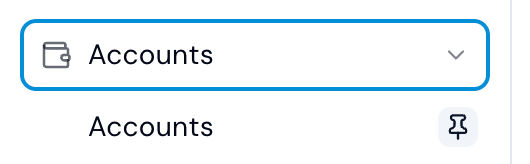
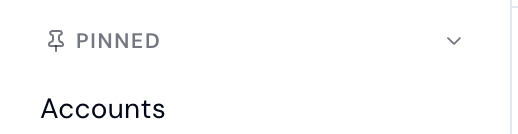
Fintechs and banks can now personalize the left-hand navigation by pinning frequently used menu items for quick access. Select the pin icon next to a menu item, and it will be added to the Pinned section at the top of the menu.
This makes it easier for each user to get to the areas they use most without searching through the full navigation. Pinned items remain visible at the top of the sidebar, creating a faster, more focused experience across the platform.
Saved filter and column presets
Saved filter presets make it easier to return to the views that matter most. Users can save, apply, rename, delete, and set default filters across Cases, Accounts, Transactions, and Spend Controls - so teams spend less time rebuilding searches and more time focused on the work at hand. Customers can also choose which columns are visible and arrange their preferred table view, with those choices saved across sessions so each user can pick up exactly where they left off.
.

Product
Great banking products get built and scaled on Synctera’s end-to-end platform

.svg)